
Platforms
One account in the browser, on your computer or your phone. Your robots, your dashboard, manual trading and your wallet are on both, with nothing to install.

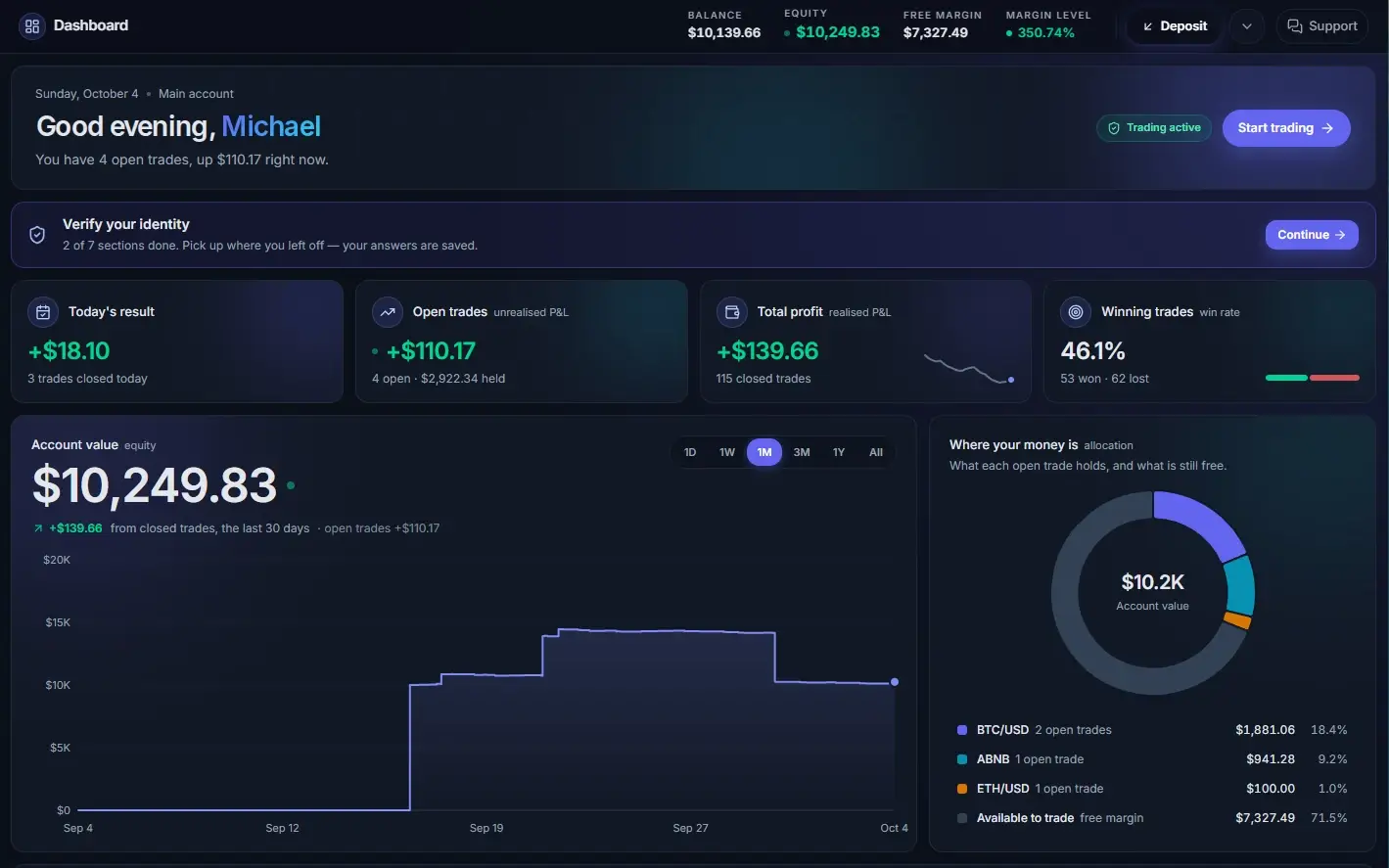
Web platform
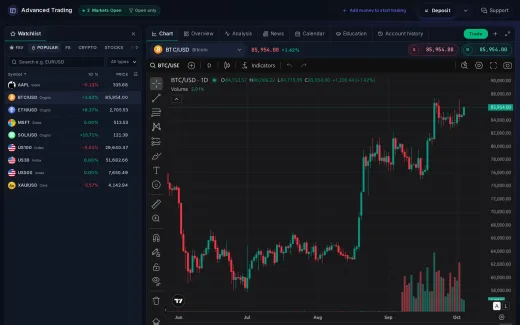
Your robots, your results and the markets on one screen.
Runs in any current browser with nothing to install. The dashboard shows your balance, today’s result and every open trade, robot or manual. The robots page shows what each robot is doing, and the trade screen is there when you want to place a trade yourself.
- Dashboard
- Balance, equity, today’s result, open trades, total profit
- Robots
- Start, pause, budget, daily loss limit, trade diary
- Manual trading
- TradingView charts; market, limit and stop orders
- Browsers
- Chrome, Safari, Firefox, Edge; current and previous major
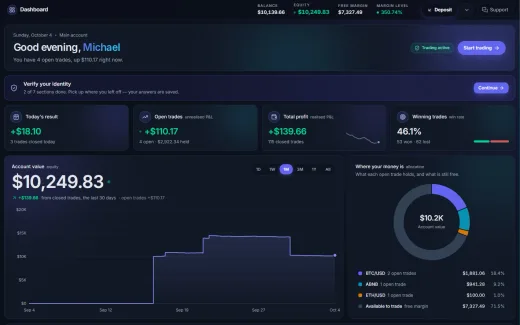
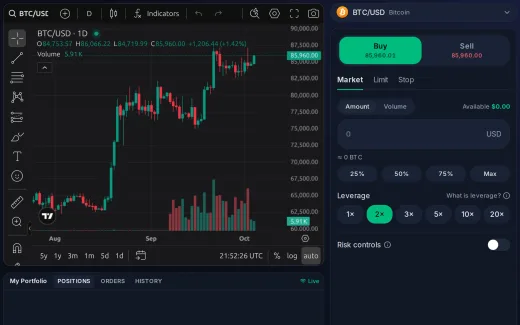
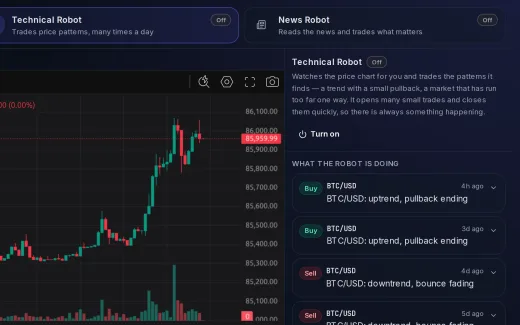
On your phone
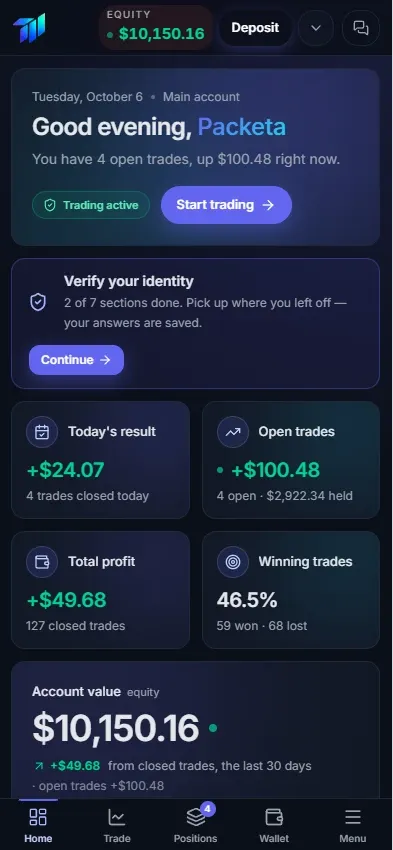
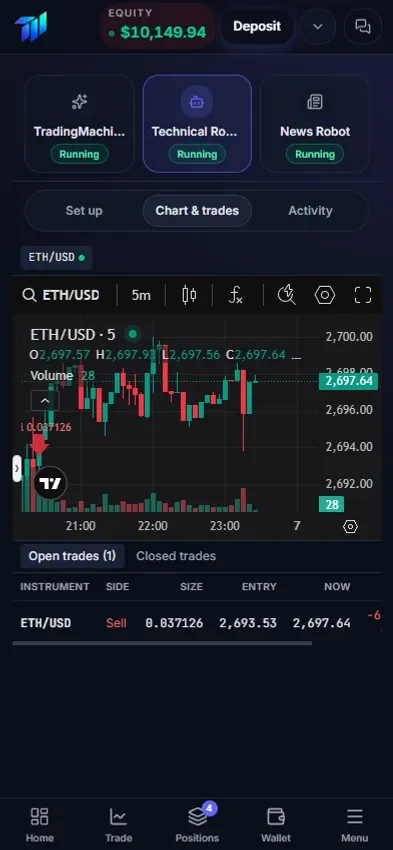
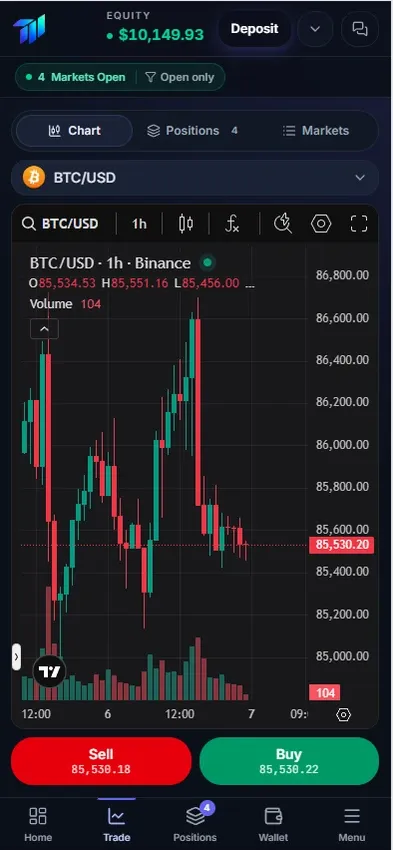
Check your robots from your phone. Nothing to install.
Open the platform in your phone’s browser and sign in. The screens are built for a phone: your account value and today’s result first, then your robots, the chart and your wallet.
- Works in
- Safari, Chrome and other current mobile browsers
- Account
- The same account and the same robots as on your computer
- Everything
- Dashboard, robots, manual trading, deposits, withdrawals
- Install
- Nothing: sign in at the same address
Feature comparison
| Computer | Phone | |
|---|---|---|
| Dashboard and results | Yes | Yes |
| Robots | Start, pause, settings | Start, pause, settings |
| Manual trading | Yes | Yes |
| Charts | Full screen, several at once | One at a time |
| Deposits and withdrawals | Yes | Yes |
| Support chat | Yes | Yes |
| Install | None | None |